Binaural beat generator
Begin with a comfortable sound
ReadyReal-time synthesis on this device
10:0010 minutes listening
STEP 01
Binaural difference
The names δ → θ → α → β → γ refer to commonly used EEG bands. Here they label the difference between two sound channels, rather than a brainwave measurement. When off, both ears receive the same centre frequency.
STEP 02
Left and right frequencies
Adjust the two ears separately; the system calculates their frequency difference. When off, only ambience plays.
80 Hz800 Hz
80 Hz800 Hz
Calculated frequency difference6.0 Hz
STEP 03
Preview · Work · App creationCreate, listen and save
Listen live on the website and save the settings you like on this device. The App’s music, ambience and creation features are being prepared; the product page shows their current release status.
The current parameter combination is saved to this device. When App sync becomes available, you will be able to view and continue it on your phone.
CONTINUE CREATING IN THE APPTake these parameters into the App, add music and ambience, and create a work.
Use the website for immediate listening. The App is being prepared to bring channel settings, multi-layer arrangements and longer-term saving together; syncing from this page is not available yet.
Layered sound Blend music and ambienceOn-device generation Create a complete sound workPrivate library Save and keep adjusting
View App creation features Begin at a low volume. Binaural beats require stereo headphones.
Begin your next work with a real feeling
Find creative inspiration
You do not need a frequency number in mind. Begin with a Five Elements sound, a daily setting or a research question you care about, then return to the studio to listen and adjust.
INNER RESONANCE APP · COMPLETE SOUND STUDIOFrom one preview
01 02 03
From one preview
to a sound work that is truly yours.
The web studio lets you hear frequency changes first. The App connects stereo channels, ambience, music you enjoy, on-device generation and a private library into a usable creative path.
Precise creation
Adjust each channel by 0.1 Hz, calculate the difference automatically, and add ambience and music.
On-device generation
Generate and verify on the device, turning parameters into a playable sound.
Private library
Save Studio works, progress and personal sounds, then resume your last creation.
PlannedApp StorePlannedGoogle Play
Real product interfaceCreate · Save · Play
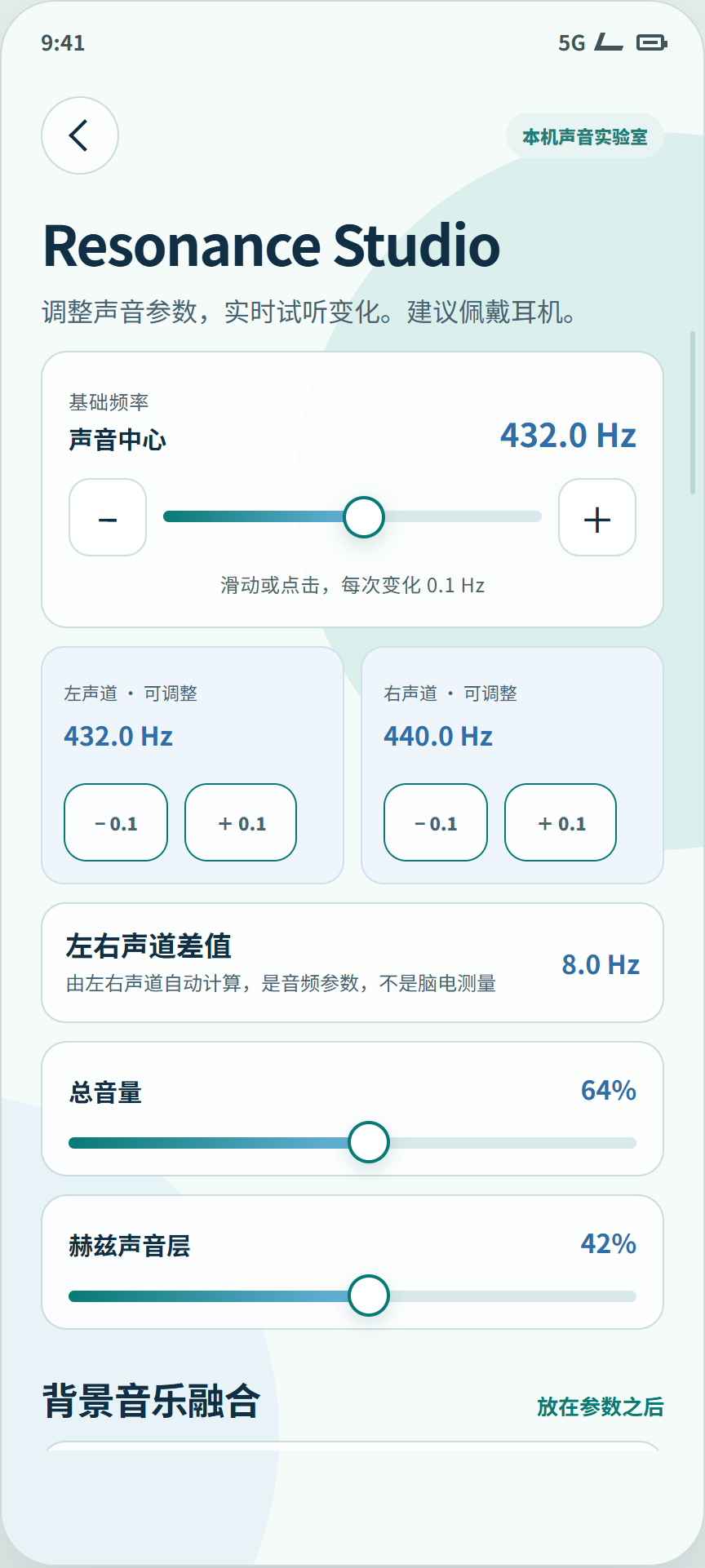
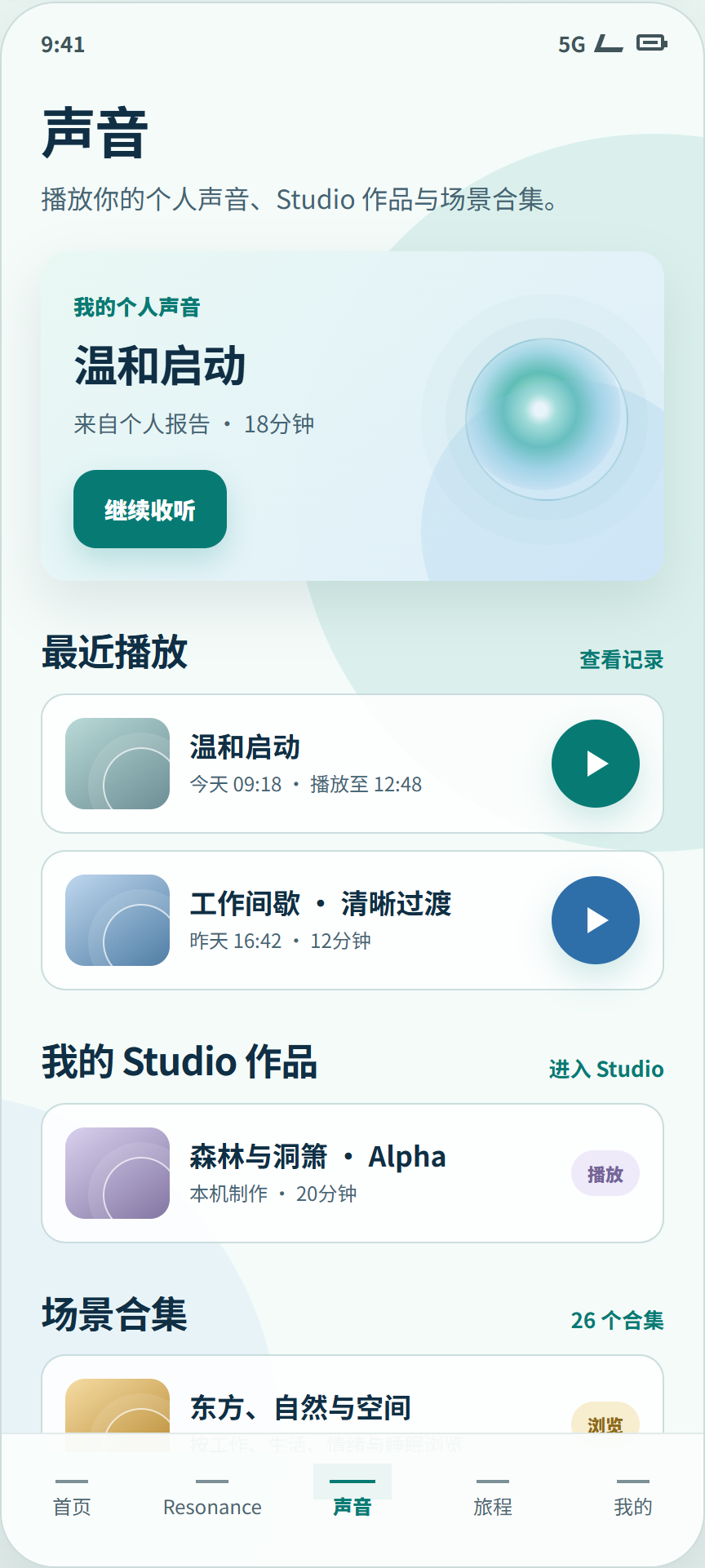
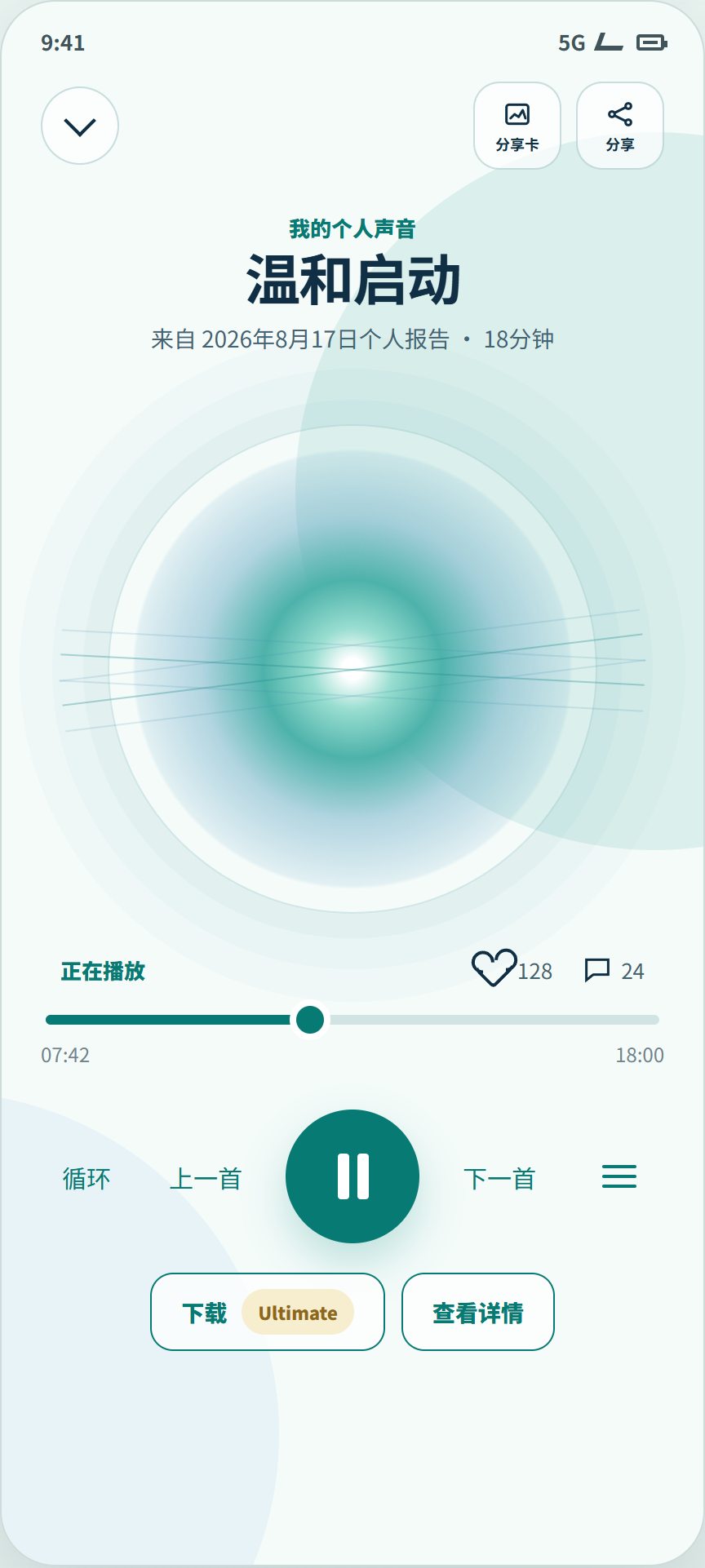
The mobile App is in development. This area will link directly to iOS and Android downloads after release.
Saved on this device
Your collection
Save the stereo-channel, volume and duration combinations you genuinely like. Select a work to load it back into the studio.
Works stay on this device and are not uploaded automatically. When App sync becomes available, you can view and continue them on your phone.
00
Your first work will appear here after you save the current sound.
The Five Elements are one part of the library. It will also continue to collect themed albums, music for daily settings, personal works and complete sounds created in the App.
Enter the complete sound library ↗